:DOWNLOAD LINKS & VERSION INFO: |
DESKTOP ENHANCEMENT TOOLS
|
SOFTWARE |
HOMEPAGE |
VERSION AS ON 06-04-2012 |
|
2.55 |
|
|
3.02 |
|
|
1.5.16 Build 1853 |
|
|
1.23.1 |
|
|
5.0.2.6 |
|
|
3.5 |
|
|
1.3.5 |
|
|
2.7 |
|
|
2.0 |
COLOUR CODING FOR SOFTWARE VERSION
|
PASSIVE OR RARELY UPDATED SOFTWARES |
UPDATED FROM THE PREVIOUS MONTH |
UN-UPDATED FROM THE PREVIOUS MONTH |
All
the above software are wrapped up into a single extractor using NSIS
and the download link to them is as below, sooner the individual
links will be available, however for now the single extractor can be
used as it allows you to select and deselect the various softwares
(components)
SINGLE EXTRACTOR (DOWNLOAD LINK)
GALLERY |
SOFTWARE DESCRIPTION & TUTORIALS
|
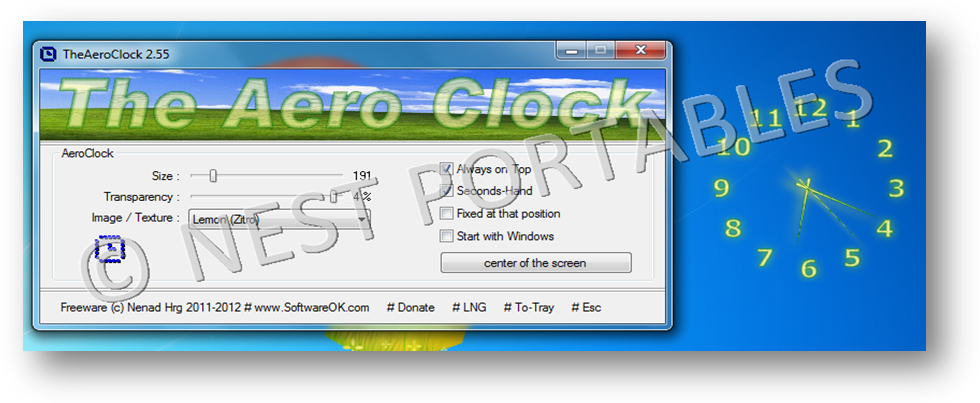
Have a cool clock on desktop.
Minimal resource usage than native windows sidebar widgets.
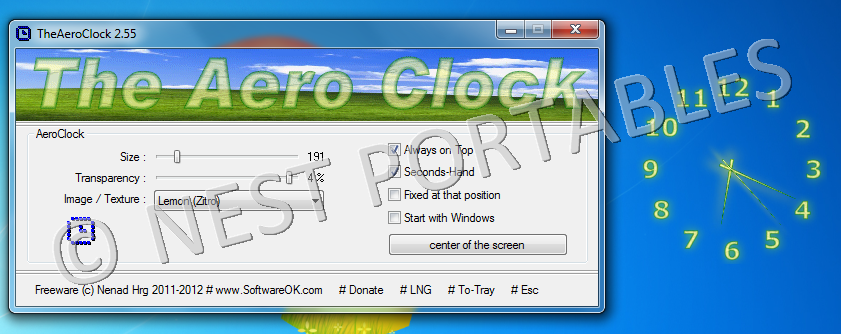
"The Aero Clock" is a simple but at the same time beautiful desktop clock with alpha transparency. This Windows program can be used as a portable avert. This very decorative desktop clock shows the local time at the Desktop. Have fun with this windows desktop tool.
The basic functions:
Total transparency,
Size, setting, and
The selection of the Clock-texture or the appearance is available.
Note: This program was originally part of "DesktopSchneeFree", which deserved a self-existence, according to the users.
:::: Features :::::
Low CPU usage
Several clock-hands and dial textures (bitmaps)
Optional transparency
Optional seconds hand
Fixed at screen position
Optional translation feature
:::: Employment ::::
Windows 7, Windows Server 2008, Windows Vista, Windows 2003, Windows XP, Windows 2000, Windows Me, Windows NT
Save and restore the positions of icons.
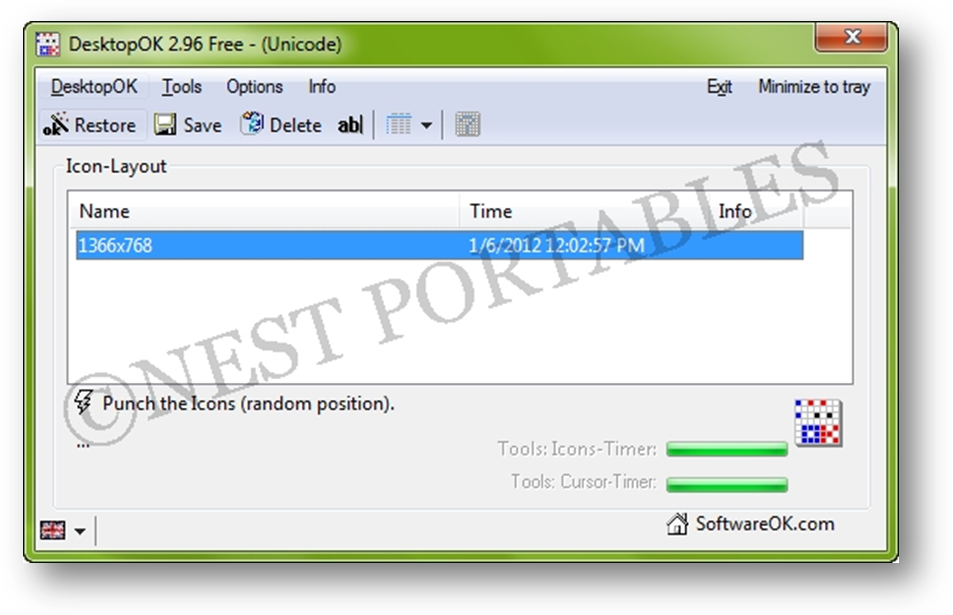
DesktopOK is a small but effective solution for user that have to change the screen resolution often.
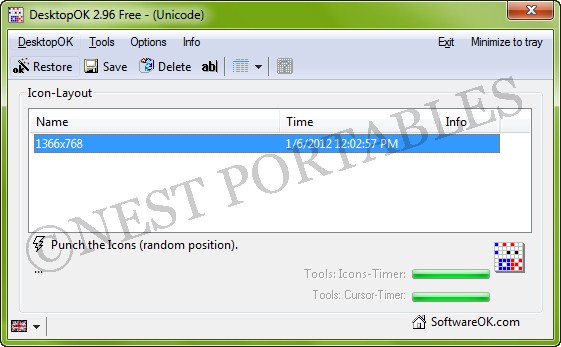
DesktopOK is a basic, compact program that lets you save and restore the positions of your desktop icons. It's nothing fancy, but if you frequently end up with a desktop full of scrambled icons, this program could make your life just a little bit easier.
:::: Features :::::
Save your favorite icon locations for each screen resolution.
Each user can then have his own arrangement.
Automatically hide and display desktop icons
Minimizes to tray area for easy access.
Easily minimize all of the windows on your screen
Launch at Windows startup.
Auto save
:::: Employment ::::
Windows 7, Windows Server 2008, Windows Vista, Windows 2003, Windows XP, Windows 2000, Windows Me, Windows NT, Windows 98.
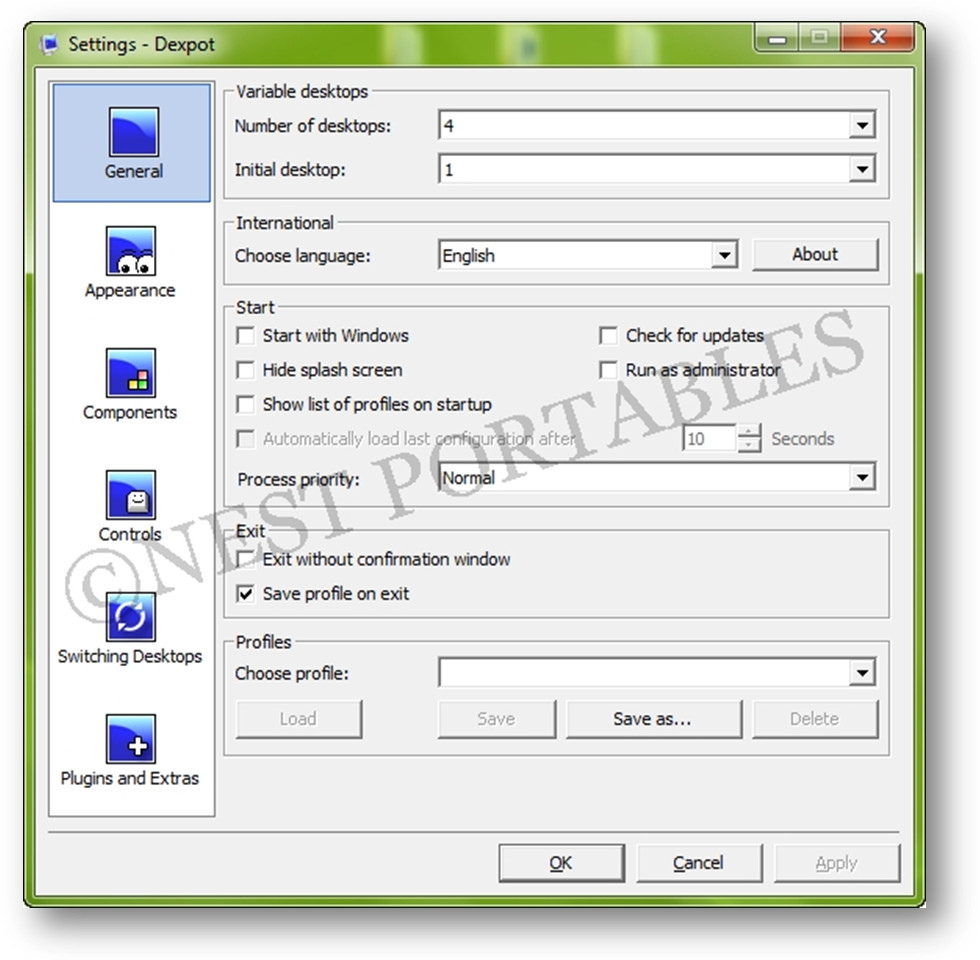
Provides multiple desktops.
Enhance work efficiency, avoid confusion.
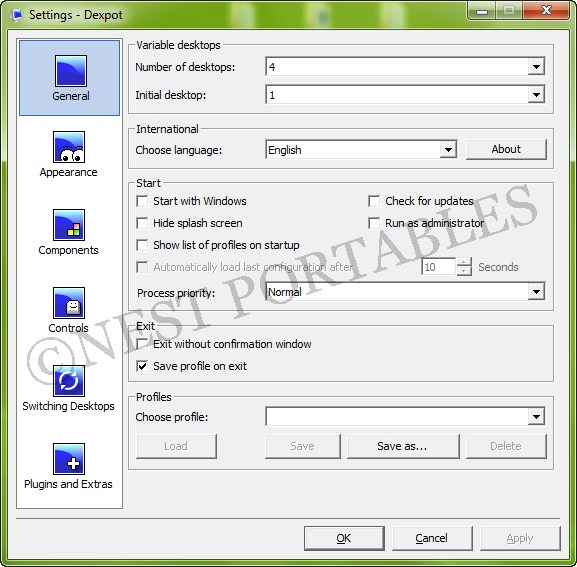
With Dexpot you may have separate virtual desktops for different applications. One desktop might feature applications for graphic design, for example, and another might feature your business applications. Switch between virtual desktops in order to keep track of your open windows. Using Dexpot, you'll considerably increase your workflow.
:::: Features :::::
Tremendously increases your work efficiency.
Looks up to date, tidy and has a lovely design.
Plenty of features. Yet easy to use.
Can be expanded with plugins. Results in small memory footprint.
Stunning 3D transition effects. Only if you like them.
Supports stylish wallpaper clocks (*.wcz).
:::: Employment ::::
Windows 7, Windows Vista, Windows XP.
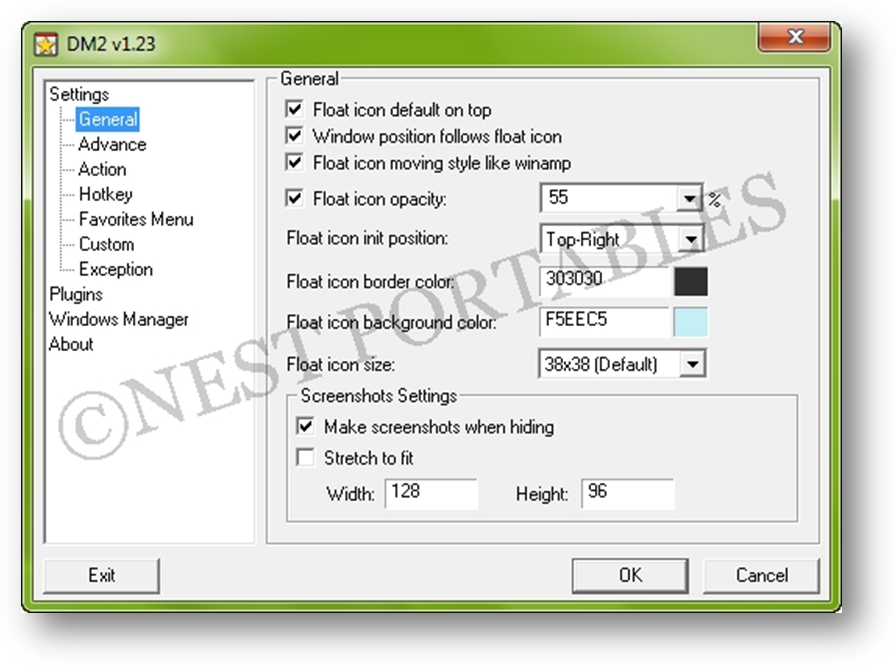
Hide your windows in 3 ways.
Manage window transparencies
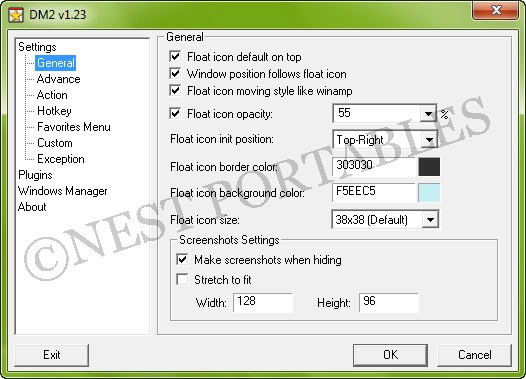
DM2 provides several Windows enhancements that may help in every-day work. One of the nicest and most popular features of DM2 is minimizing windows to floating icons® (unique feature!) freeing both task bar and tray bar space. . DM2 also helps with Open/Save dialog boxes, by providing user-defined menu with favorites and recent files and folders. Plenty of program's settings options will satisfy most of requirements.
:::: Features :::::
DM2 can manipulate windows in various ways:
Minimize to tray,
Make them standing always on-top over all other windows,
Roll to caption,
Resize, align to screen borders, hide, set the opacity etc
Note: And that is not all! DM2 also supports custom plugins, which further enhances the program and that usually covers some more specific functionalities. So, from this aspect, one may think of DM2 as a small, but robust manager for all kind of plugins. Find what you need, plug it in, and use it:)
:::: Employment ::::
Windows 7, Windows Server 2008, Windows Vista, Windows 2003, Windows XP, Windows 2000, Windows Me, Windows NT, Windows 98.
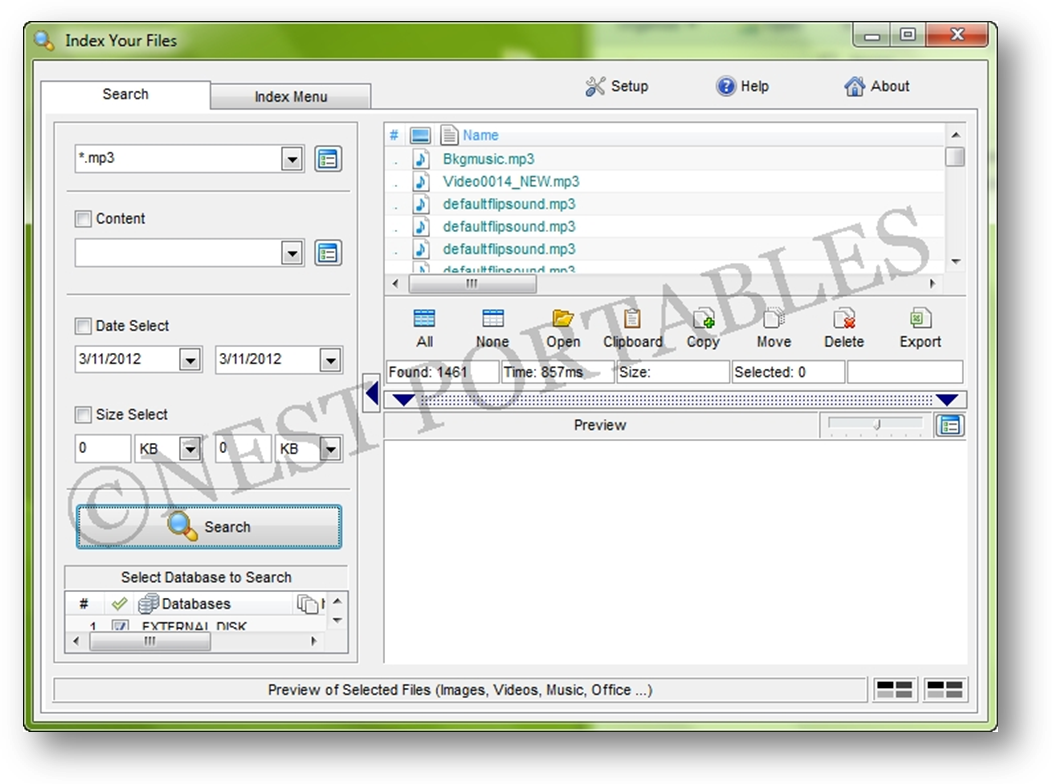
Is Portable, Supports Unicode, Searches Inside Files.
Compacts the indexes, indexes the directories you select
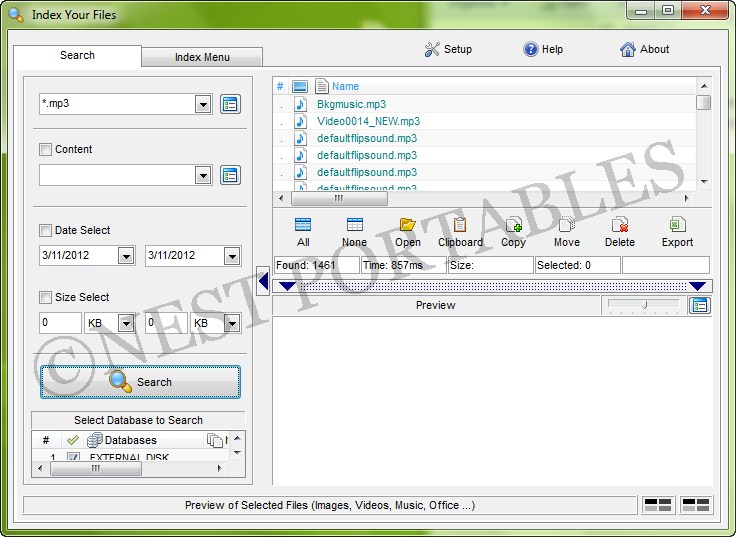
Index Your Files enables you to index all the files in selected folders and/or drives, and then search through them by size, date, keyword or wildcard pattern. Since the program only indexes the file names and properties, results are returned almost instantly, providing you with a list of files that match your query. You can then preview, copy, move or delete the found files. Other features include sharing of indexes across a network, preview for text and image files, and the ability to run from a USB drive.
Note: Find files on your own computer or network with great speed and simplicity, Since the program only indexes the file names and properties, results are returned almost instantly
:::: Employment ::::
Windows 2000/XP/2003/Vista/NT 4
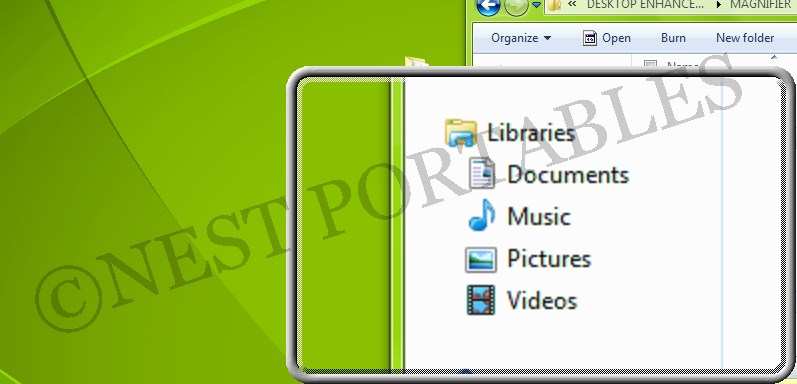
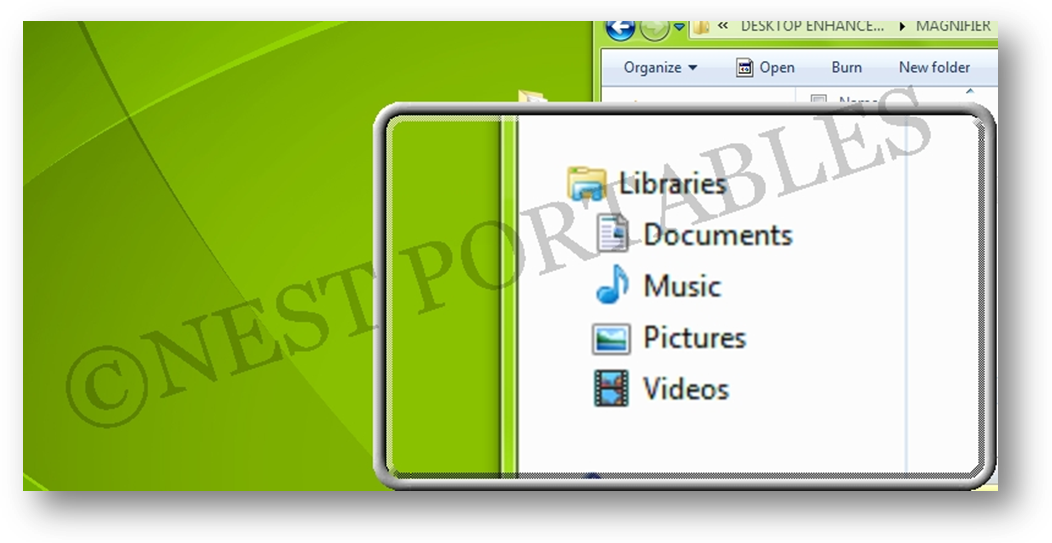
Is a free, open source, cross-platform screen magnification tool.
It is simple, customizable, and easy-to-use.
Virtual Magnifying Glass is designed for visually-impaired and others who need to magnify a part of the screen. Unlike similar programs it does not open a separate window for the magnification but instead puts a movable magnifying glass on screen.
:::: Features :::::
New, much improved dynamic mode for Windows 2000, XP and Vista! No longer requires DirectX or a special video card.
Show the center pixel's RGB values, in both decimal and hexadecimal. Copy it with Ctrl+C
Multi-monitor support
Lens height and width can have any size
Mouse scroll-wheel now controls zoom factor
Esc key closes magnifier window, but it remains on systray. Q key closes the software
Variable scale factor from 1x to 32x
New configuration dialog to choose the plugin, Hotkey and other settings
:::: Employment ::::
Microsoft® Windows® 7, Vista, 2003, XP, 2000, NT, ME, 98 or 95
Linux system running X11
Mac OS X 10.4 up to 10.6. We are working on a port for 10.7+
Multiple-display systems are supported on Windows
Smoothly animated, alpha blended application launcher.
Completely customizable.
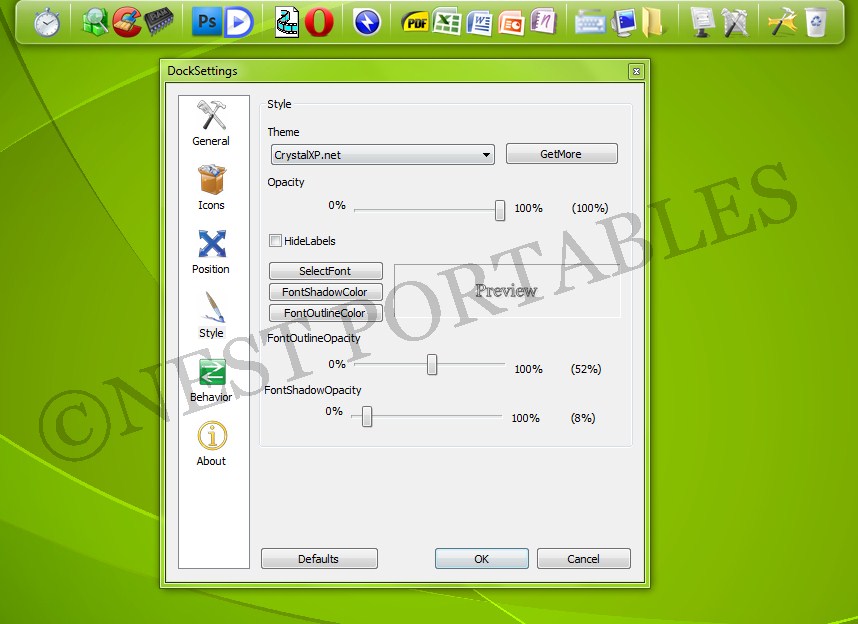
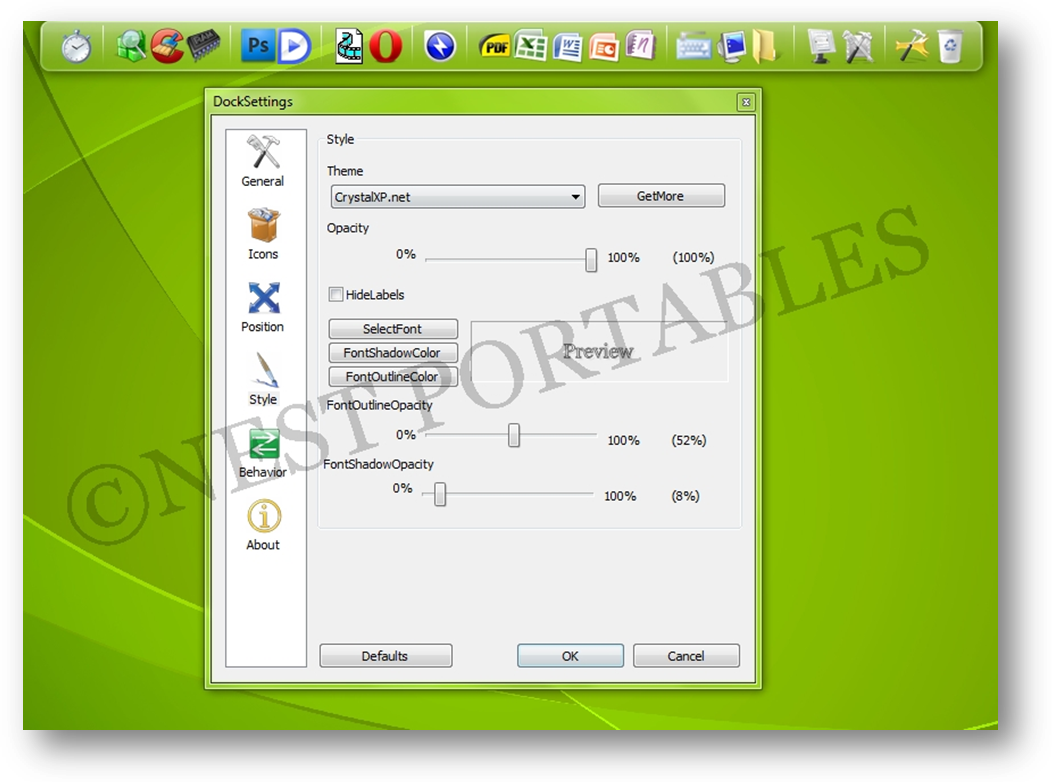
Rocket Dock is a smoothly animated, alpha blended application launcher. It provides a nice clean interface to drop shortcuts on for easy access and organization. With each item completely customizable there is no end to what you can add and launch from the dock. The app is loaded with options. The dock can live on any of the four edges of your monitor, you can set it to always be on top, on bottom, auto hide, or be ever-present. It comes with more than 20 skins; fonts and colors are fully customizable, as is the icon order; and you can choose which icons are displayed, independent of the program's actual icon.
Now with added Taskbar support your minimized windows can appear as icons on the dock. This allows for better productivity and accessibility.
:::: Features :::::
Minimize windows to the dock
Real-time window previews in Vista
Running application indicators
Simple drag-n-drop interface
Multi-monitor support
Supports alpha-blended PNG and ICO icons
Icons zoom and transition smoothly
Auto-hide and Popup on mouse over
Positioning and layering options
Fully customizable
Completely Portable
ObjectDock Docklet support
Compatible with MobyDock, ObjectDock, RK Launcher, and Y'z Dock skins
Runs great on slower computers
Unicode compliant
Supports many languages and can easily be translated
A friendly user base :), And best of all... its FREE!!!
:::: Employment ::::
Windows 2000/XP/Vista/7
500Mhz or faster CPU
10MB RAM free
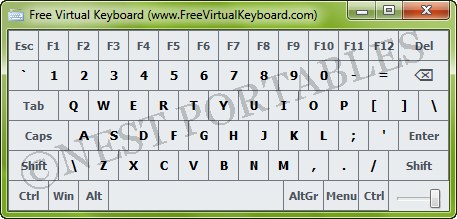
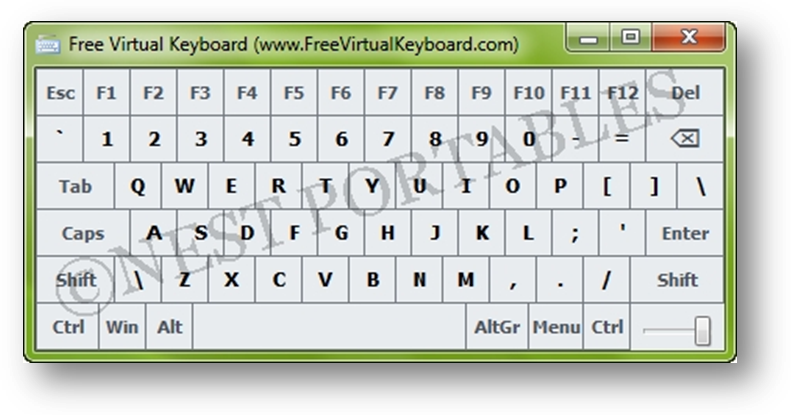
A free, lightweight, multilingual and finger friendly virtual on-screen keyboard.
The autorepeat function function (any key held down to repeat same character continuously) is automatic.
Free Virtual Keyboard works on any Windows based UMPC with a passive touchscreen (Ultra-mobile PC, Tablet PC and Panel PC). If you spend a lot of time responding to e-mail or jotting down notes on your mobile computer and find your hardware keyboard awkward or too small, a screen software keyboard may be just the improvement you've been seeking. This handy keyboard has keys large enough to be typed with the fingertips.
Also Free Virtual Keyboard allows people with mobility impairments to type data by using a pointing device. Free Virtual Keyboard is a totally portable application, meaning that you can put it on any USB stick and run it directly from there. In this way, your interactive keyboard will always be with you.
:::: Features :::::
Change size, color and transparency of keyboard on the computer screen
Landscape and portrait orientation, something other keyboard does not do.
All relevant keys would auto-repeat when pressed continuously.
Run it from your portable USB flash drive
Settings are stored in the FreeVK.ini (or registry) file located in the program installation folder
:::: Employment ::::
Microsoft Windows ® 2000/2003/XP/Vista/7/8
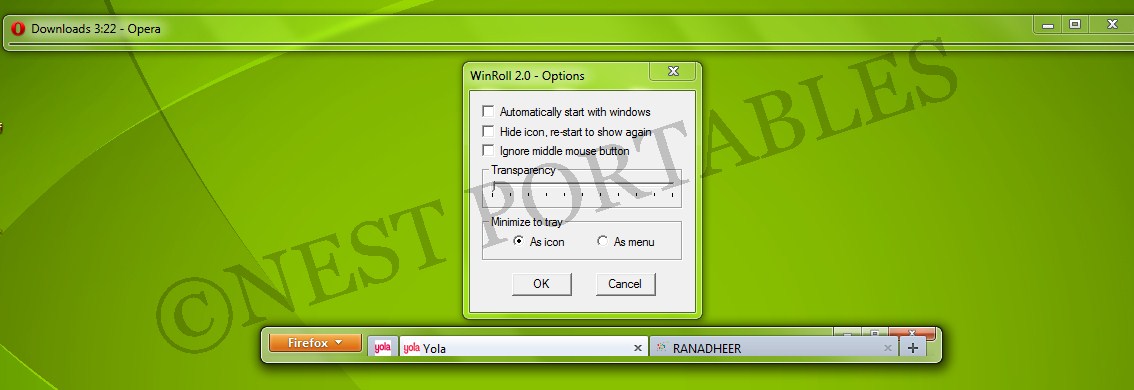
easily manages multiple open windows
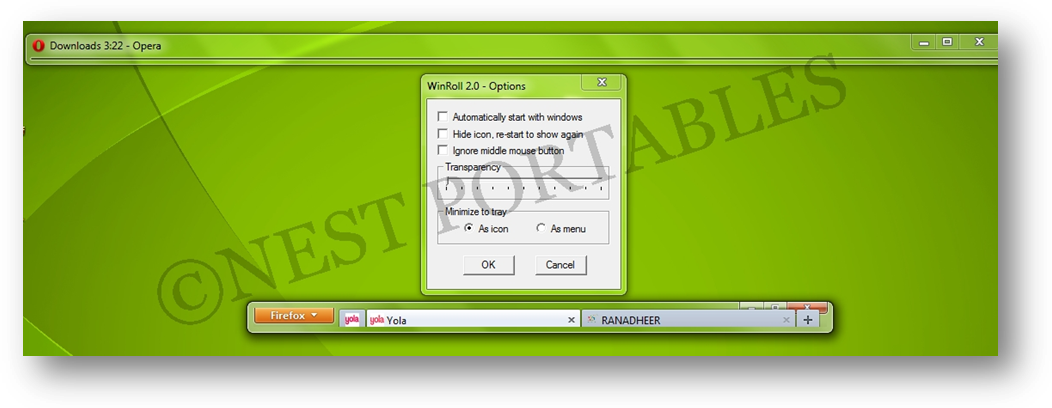
Make a window roll into its title bar, send it to the back or make it stay on top. Minimize, maximize or close all visible windows, including minimizing to the tray area. Make a window translucent on Windows 2000 or above. WinRoll is lovingly hand-crafted in 100% pure assembly language to give the fastest response and the smallest memory footprint. WinRoll is proudly a FREEWARE and OPEN SOURCE application.
:::: Employment ::::
Windows 2000 or above